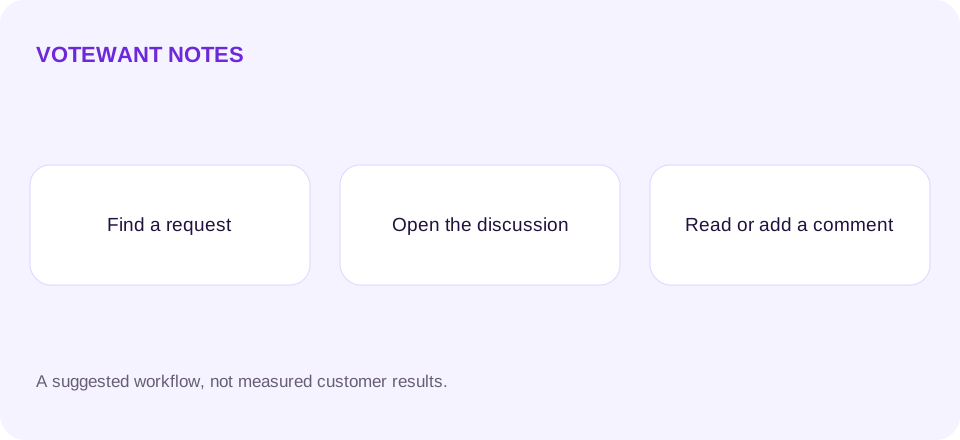

An embedded feedback board is useful only if people can complete the task inside it. Showing a list of requests is not enough. Users need to open a discussion, read existing context, leave a comment, and understand where their contribution will appear. The integration should make those steps obvious on both a website and a desktop app.
Start with the public board experience, then decide whether a hosted embed, a launcher, or a custom API integration fits your product. The right choice depends on the surface you control and how much interaction code you want to maintain.
Put the next action on the card
A request card should identify the title, description, status, and a clear discussion action. “Read or add a comment” tells someone more than an isolated zero beside a speech-bubble icon. Counts can help, but they should not be the only explanation of what is clickable.
Test the card title and discussion action separately. A styled container may look interactive while no link or button receives the click. Use real semantic controls so keyboard users can reach the same action. Make focus visible and preserve an understandable back path after opening a request.
Choose the integration boundary deliberately
VoteWant documents its hosted integration in the widget guide and public reads in the API guide. A hosted board keeps more interaction behavior in VoteWant. A custom client gives you layout control, but your app then owns loading, errors, empty states, and comment submission handling.
Do not put owner credentials into browser code, a desktop app bundle, or an open-source repository. VoteWant's docs distinguish read-only public reads, installation voter tokens, and server-side owner tokens. Use the credential intended for the operation instead of making an embedded interface depend on an owner's secret.
Make public posting clear before submission
Tell users that their comment will be public before they send it. Provide a route for private support rather than encouraging them to post account details. If comments require a consent step, ensure the control is visible and can be completed within the available space.
On a small screen, scroll the whole form into view and check that the submit button remains reachable. In a desktop webview, test the actual application rather than assuming that a normal browser result proves the integration works. The containing app can handle navigation differently.
Give external links a working destination
A documentation or provider link should open where its destination permits it to render. An external site may refuse to load inside a frame. Test those links from the embedded board, including the attribution link, and make the resulting behavior understandable to the user.
Avoid depending on a hover effect to reveal the only discussion control. Touch users need the action visible by default. Keyboard users should be able to discover it without moving a mouse over the card. Read writing useful requests for the content users need when they reach the form.
Verify a complete journey
Use a test request and complete the flow: open a card, read comments, submit a permitted comment, confirm the visible result, refresh, and revisit from the app. Check failure handling too. A rejected submission should preserve the draft and explain what the user can change.
This is an integration checklist, not a promise that every host environment behaves identically. Explore VoteWant and use its current documentation as the contract. For identity and moderation limits, read anonymous feedback and spam.