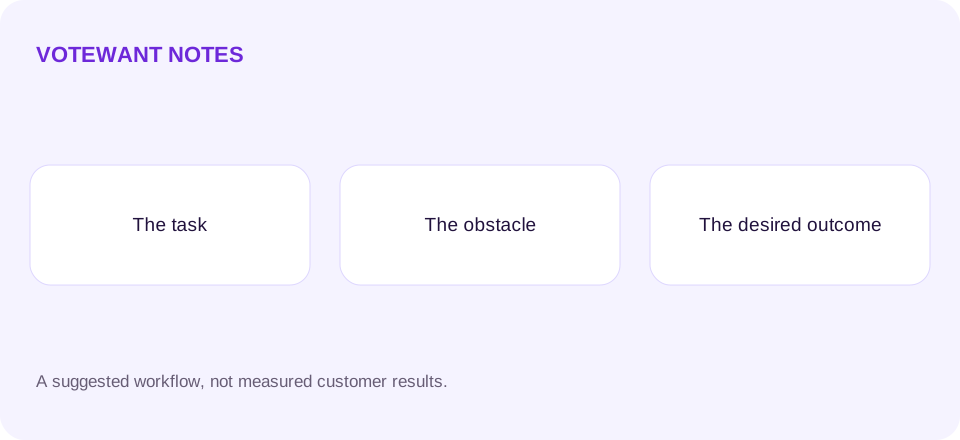

A useful feature request explains a problem well enough for someone else to investigate it. A short title helps people find it, but the description is where a team learns what you were trying to do, what got in the way, and what would count as an improvement. You do not need to design the final solution.
“Add export” is a starting point. “I need to share a weekly report with a client who cannot access this app” gives a team a reason to investigate export, shared links, or another way to solve the task. Better context makes the discussion more useful even if the final feature looks different from the original suggestion.
Describe a real task
Start with the last time the problem happened. Say what you wanted to accomplish and which part of the product you used. Keep the description specific enough to understand without requiring personal information. “Every Friday I prepare a project summary” is more useful than “Everyone needs this.”
If you have not encountered the problem yourself, say so. A suggestion from a teammate, a support conversation, and an idea you are exploring are different sources of evidence. The team should be able to distinguish them without guessing.
Explain the obstacle and workaround
Describe the point where the task became difficult. Is information missing, a step repetitive, or a result hard to share? Then explain what you do today. A manual spreadsheet, a repeated copy-and-paste step, or abandoning the task gives the team something concrete to examine.
For example: “I copy totals into a spreadsheet because I need a weekly snapshot. That takes several steps, and I sometimes copy the wrong date range.” This example is hypothetical. It gives a developer a workflow to inspect without promising that an export button is the only answer.
State the result you want
Write a success condition in everyday language. “I can send a weekly summary without retyping the numbers” is easier to evaluate than “Make reporting powerful.” Mention relevant constraints, such as working offline or sharing with someone outside the team, without assuming implementation details.
You can suggest a solution after describing the problem. Label it as an idea, and leave room for alternatives. A team may discover a smaller fix that removes the same obstacle. That does not make your original request less valuable.
Search before submitting and add context
Look for an existing request about the same task. If it matches, add your own experience in a comment instead of creating a second title. Explain what is similar and what is different. A vote signals interest; a comment explains the need behind that interest.
Keep credentials, private screenshots, contact information, and account-specific records out of public comments. Redact any example before posting. Use private support if the team needs sensitive details to investigate an individual incident. Read how to handle duplicate requests when two discussions appear similar.
What happens after a good request
A clear request is evidence for a decision, not a guarantee that the team will build it. It may need a clarifying question, a workaround, or an explanation of why the product is not taking that direction. A thoughtful response should make the next step understandable.
VoteWant supports requests and public comments, with current integration details in the API documentation. Visit VoteWant to explore the board experience. If you are collecting requests from users, start with the board, survey, and support comparison.